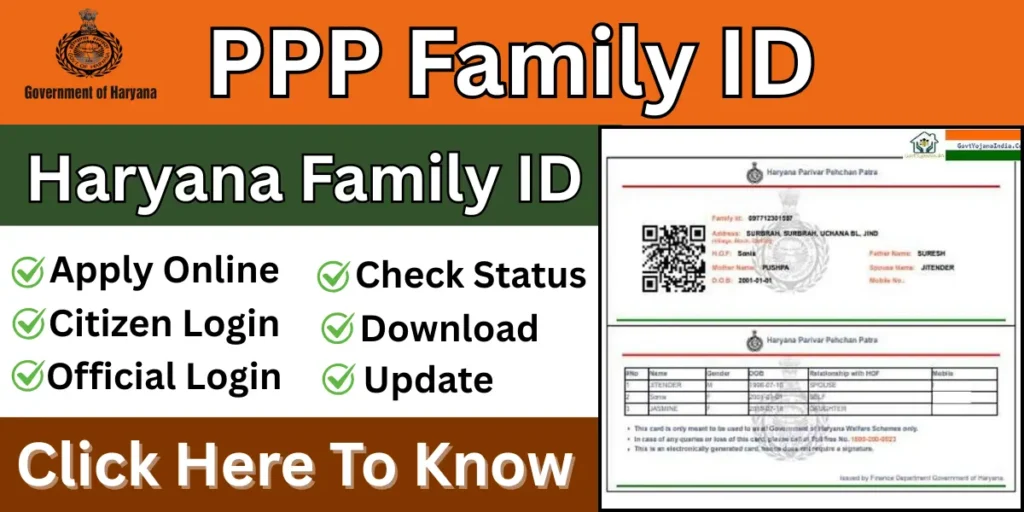
The PPP Family ID is a unique 8-digit identification number assigned to every family in Haryana. Its purpose is to create a reliable database of residents to facilitate the automatic delivery of government schemes and benefits, making the process transparent and hassle-free. This initiative is a significant step towards digital governance in the state. In this article, we will learn more about the PPP Family ID, including what it is, its benefits, and how to apply for it.
What is PPP Family ID?
The PPP Family ID, or Family Identity Card, is an e-governance initiative of the Haryana government. Through this initiative, every family is assigned a unique 8-digit ID for identification purposes. This ID allows families to avail themselves of government schemes and subsidies.
PPP Family ID Overview
| Descriptions | Details |
| Scheme name | PPP Haryana |
| Launched by | Government of Haryana |
| Launched year | 2019 |
| Beneficiary | Citizens of Haryana |
| Official website | ppp-office.haryana.gov.in |
PPP Family ID Objectives
- Preventing fraud in government schemes through Family IDs.
- Identifying the right beneficiaries for government schemes.
- Eliminating the number of intermediaries in government schemes.
- Bringing transparency to all government schemes.
- Creating a database by integrating the number of all family members.
- Updating information about all life events using the Family ID.
Benefits of PPP Family ID
- Family IDs have reduced fraud in government schemes.
- In this system, every family receives a unique Family ID.
- This ensures that only eligible beneficiaries receive the benefits.
- Through this ID, people can avail the benefits of government schemes.
- It makes it easier to obtain all necessary documents such as income, caste, and residence certificates.
- Information about every member of the family is available online, eliminating the need for repeated document uploads.
- In case of a death in the family, the information can be updated directly from the hospital.
Eligibility Criteria for PPP Family ID in Haryana
If you are a resident of Haryana and want to create a Family ID to avail of government schemes, you must meet the eligibility criteria. We have listed some of the eligibility criteria below.
- The applicant must be a resident of Haryana.
- All family members must have an Aadhaar card.
- A mobile number linked to the Aadhaar card is required.
- There is no income limit for creating a Family ID, but to avail of government schemes, the annual income should be ₹1.80 lakh or less.
Required Documents for PPP Family ID Haryana
If you want to apply for a Family ID, you will need some essential documents. The list of required documents for the application is given below.
- Aadhaar cards of all members
- Active mobile number of the head of the household
- Proof of residence
- PAN card
- Voter ID
- Birth certificate
- Bank account passbook (Head of the family)
PPP Family ID Check Online
If you already have a Family ID and want to search for it online, please follow the steps given below.
- First, go to the official Haryana Labour website.
- Navigate to the website’s homepage.
- Now, click on the “I have Family ID” or “I forgot my Family ID” option.
- Enter your Aadhaar card number here.
- Now, click on the “Click Here to Fetch Family Data” option.
- An OTP will be sent to your registered mobile number.
- Enter the OTP and verify it.
Your Family ID will now be displayed on your screen.
Family ID Haryana Registration Process
If you do not have a Family ID and wish to apply for a Haryana Family ID, please follow the steps given below.
- First, go to the official website.
- On the homepage, click on the “Citizen Login” option.
- You will now be asked if you have a Family ID; click on “No”.
- Now enter your Aadhaar number and click on “Check”.
- An OTP will be sent to the mobile number linked to your Aadhaar.
- Enter the OTP and verify it.
- The application form will now appear.
- You will be asked for some information.
- Enter all the information correctly.
- You will now be asked to upload some documents.
- Upload the required documents in PDF format, with a file size of 200 KB.
- You will now be asked for information about your family members.
- Enter the information for all family members.
- Finally, submit the application form.
PPP Family ID Login
Two types of PPP login are available on this portal. We have described both login processes below.
Citizen Login
If you are a general citizen of Haryana, you need to log in to the portal using “Citizen Login”. Follow the steps given below to log in.
- First, go to its official website.
- On the homepage, click on “Login”.
- Now click on “Citizen Login”.
- You will now be asked if you have a Family ID.
- Click on “Yes”.
- Now enter your Family ID.
- An OTP will be sent to your registered mobile number.
- Enter the OTP and verify it.
- After entering the OTP, you will be taken to the login dashboard.
Official Login
The official login is for government officials, authorized operators (such as CSCs), and departmental employees. Learn the official login process by following the steps given below.
- First, go to its official website.
- On the homepage, click on “Login”.
- Now click on “Official Login”.
- Now enter your username and password.
- Finally, enter the captcha code and click on the “Login” button.
- You will now be successfully logged in.
PPP Family ID Download PDF
If you already have a Family ID and want to download it to your phone, please follow the steps given below.
- First, visit the official website.
- Now, log in as a “Citizen”.
- Then, click on the “Print PPP” or “Download Family ID” option.
- Now, enter your Family ID and proceed.
- All the information will now be displayed on your screen.
- To download your Family ID, click on the download button.
PPP Family ID Check Status
If you have applied for your Family ID and want to check its status, please follow the steps given below.
- First, go to the official website.
- Log in to the website.
- Now click on the “Check Status” option.
- Now enter your Family ID.
- You will receive an OTP on your mobile number.
- Enter the OTP and verify it.
- Your application status will now be displayed on your screen.
How to Update PPP Family ID Update?
- First, go to the official website.
- Log in using your Family ID number under “Citizen Login”.
- Now click on the “Update Family Details” option.
- Then go to the ‘Correction Module’.
- Now update all your information here.
- Upload the required documents.
- Finally, click on the “Submit” button.
- You will now receive a “Reference Number”; please note it down.
FAQS
1. Can we apply for a ration card using the Family ID?
Yes, you can apply for a ration card through the Family ID.
2. How many digits are in a Family ID?
The Family ID consists of 8 digits.
3. Can I download the family ID?
Yes, you can easily download the Family ID by visiting its official website.
4. Who can apply for the Haryana Family ID?
Citizens of Haryana can apply for the Haryana Family ID.
5. Can I update my family ID online?
Yes, you can easily update your family ID online through this portal.